Panels, tabs and columns
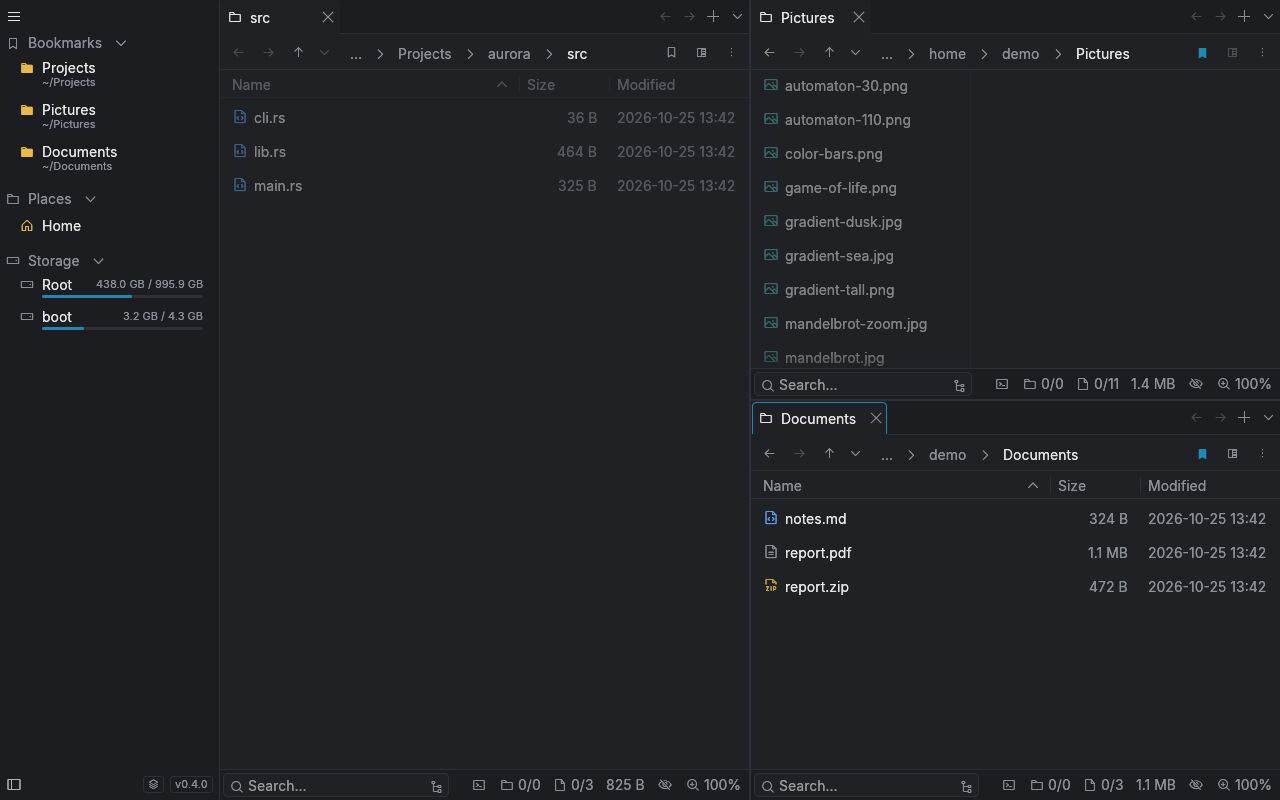
Split the window into as many panels as you need, side by side or stacked, each with its own tabs. Drag a tab out to get a new window. Switch a panel to columns to walk down a tree.
 oh>my>dir
As many panels as you need, tabs, instant search and a preview for almost any file. Written in Rust, it opens at once.
Split the window into as many panels as you need, side by side or stacked, each with its own tabs. Drag a tab out to get a new window. Switch a panel to columns to walk down a tree.
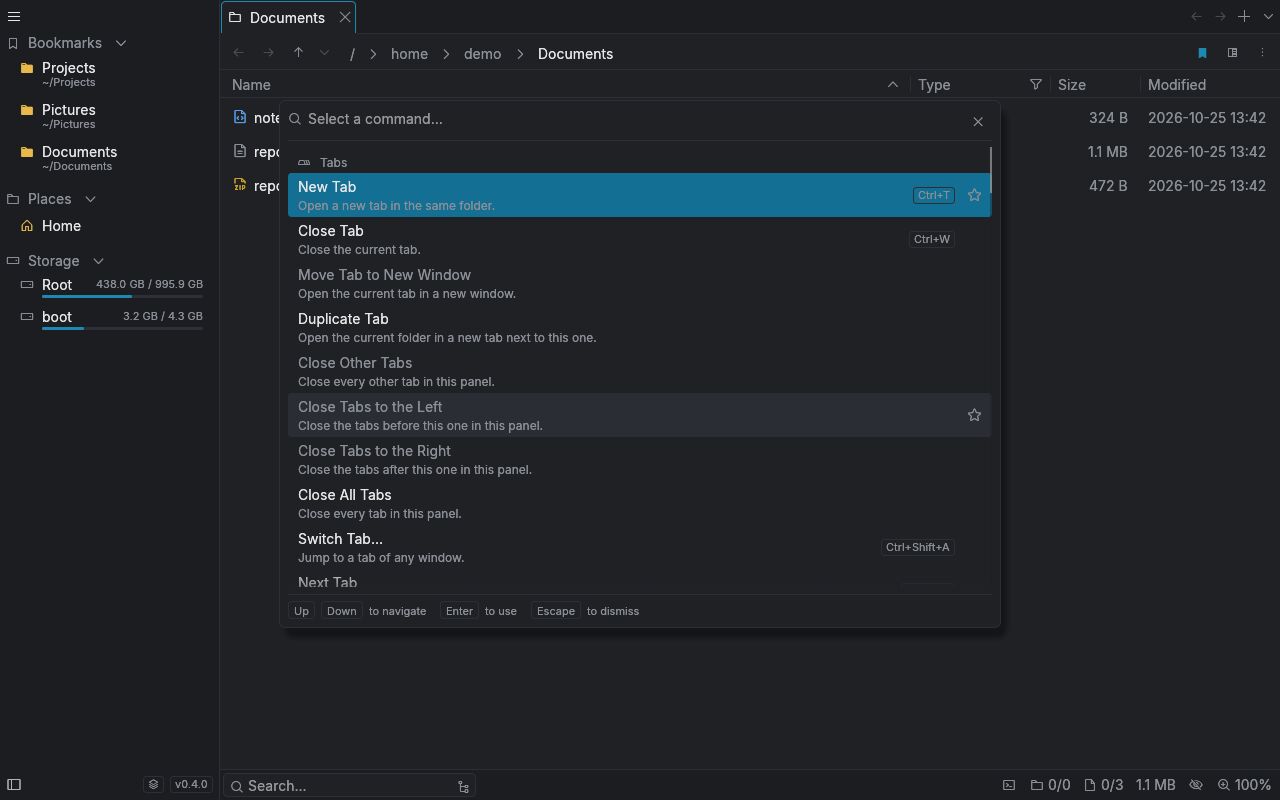
Every action has a name. Open the palette, type a few letters and run it. Star the ones you use most and they stay at the top.
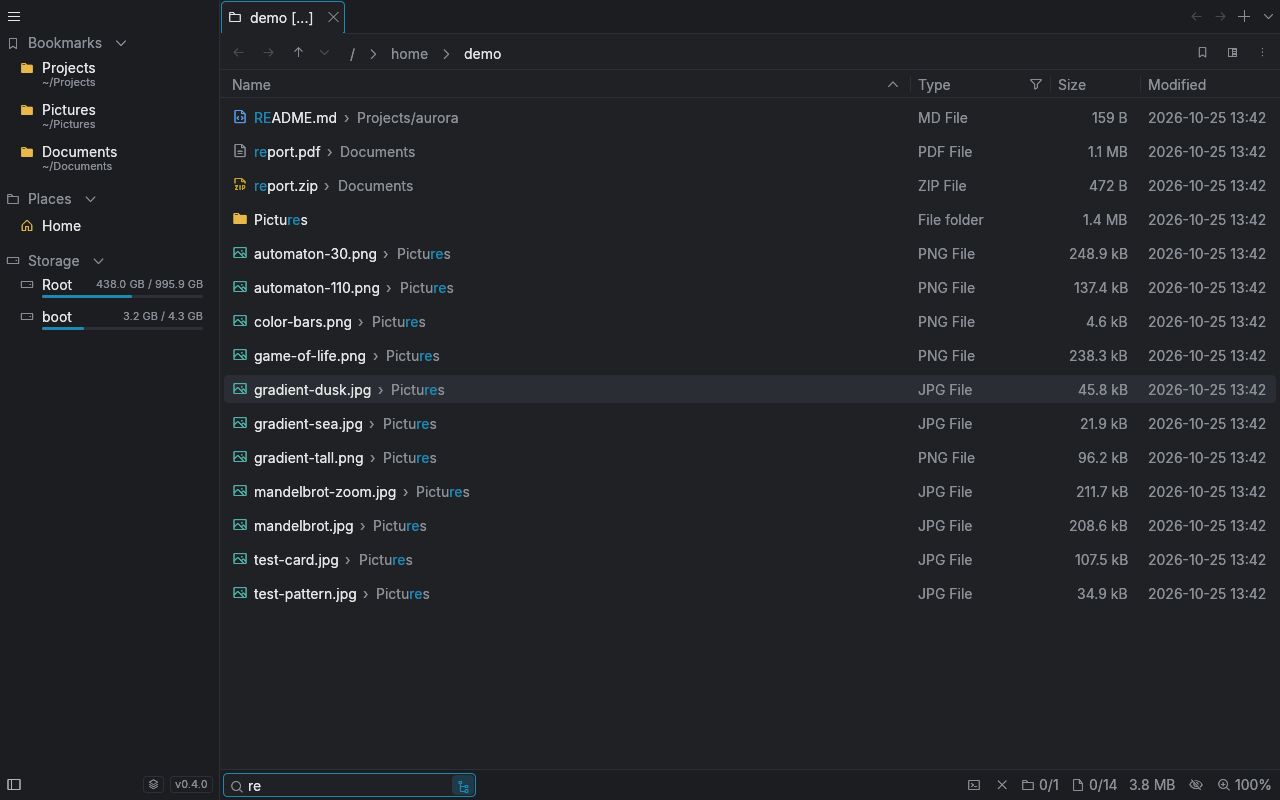
Jump to any folder by typing part of its name. Search finds files as you type, in the folder and everything under it.
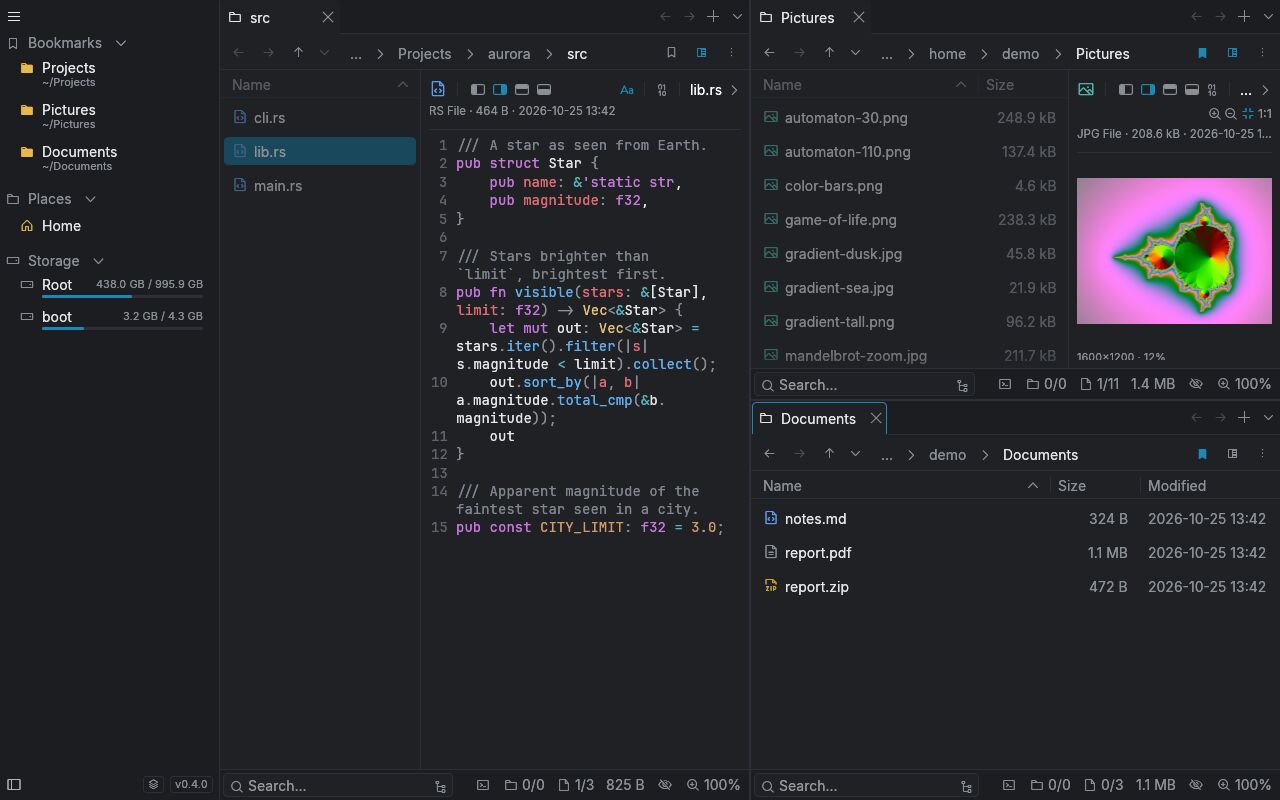
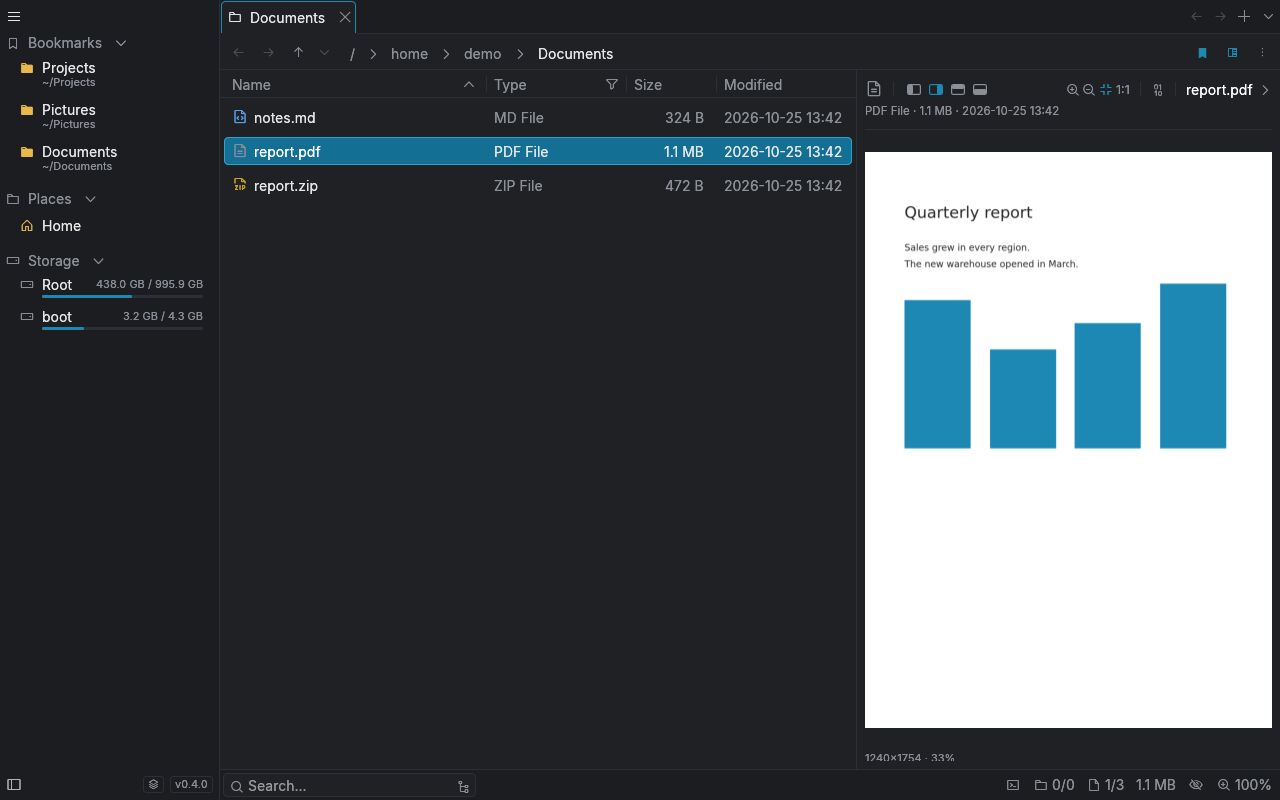
See a file without opening it: images, PDFs, Markdown, highlighted code, audio, video and fonts. Anything else opens as hex.
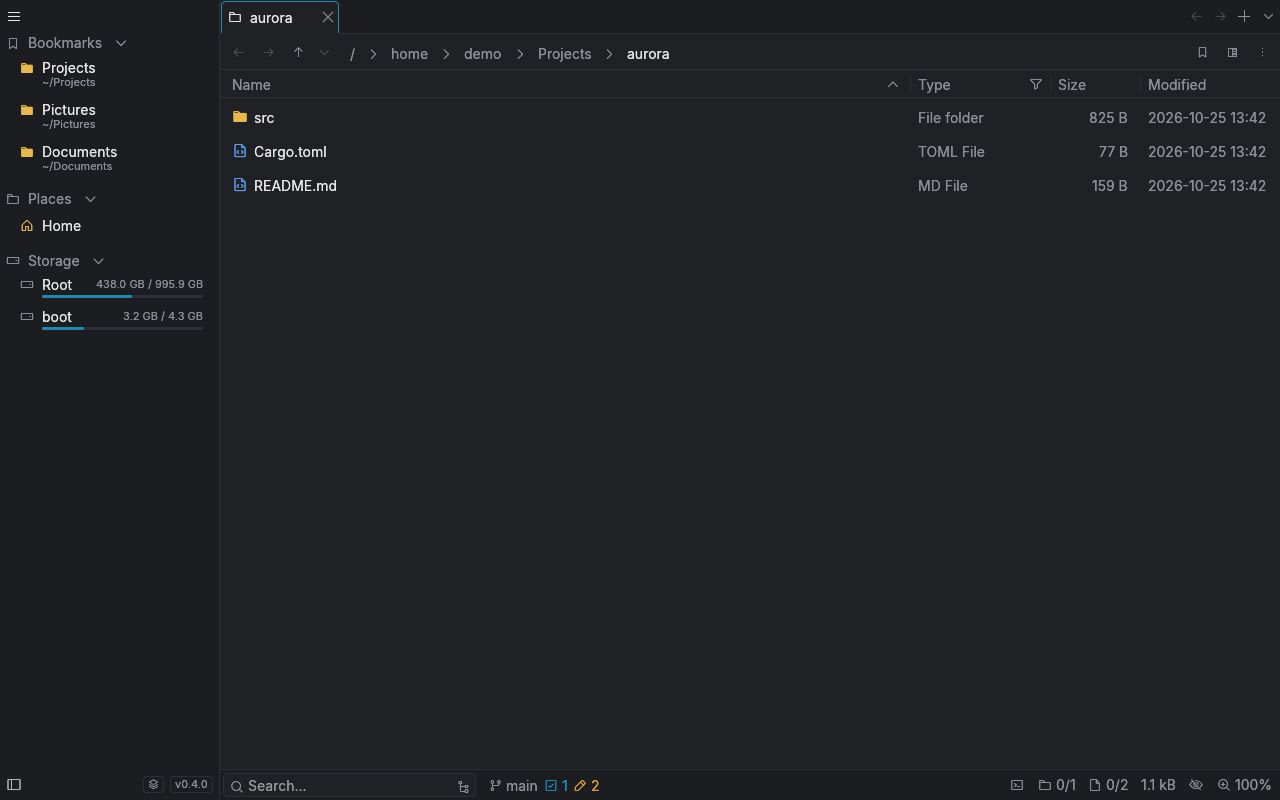
Inside a repository the footer shows the branch and what changed. Folder sizes are counted in the background, so you see what takes space.
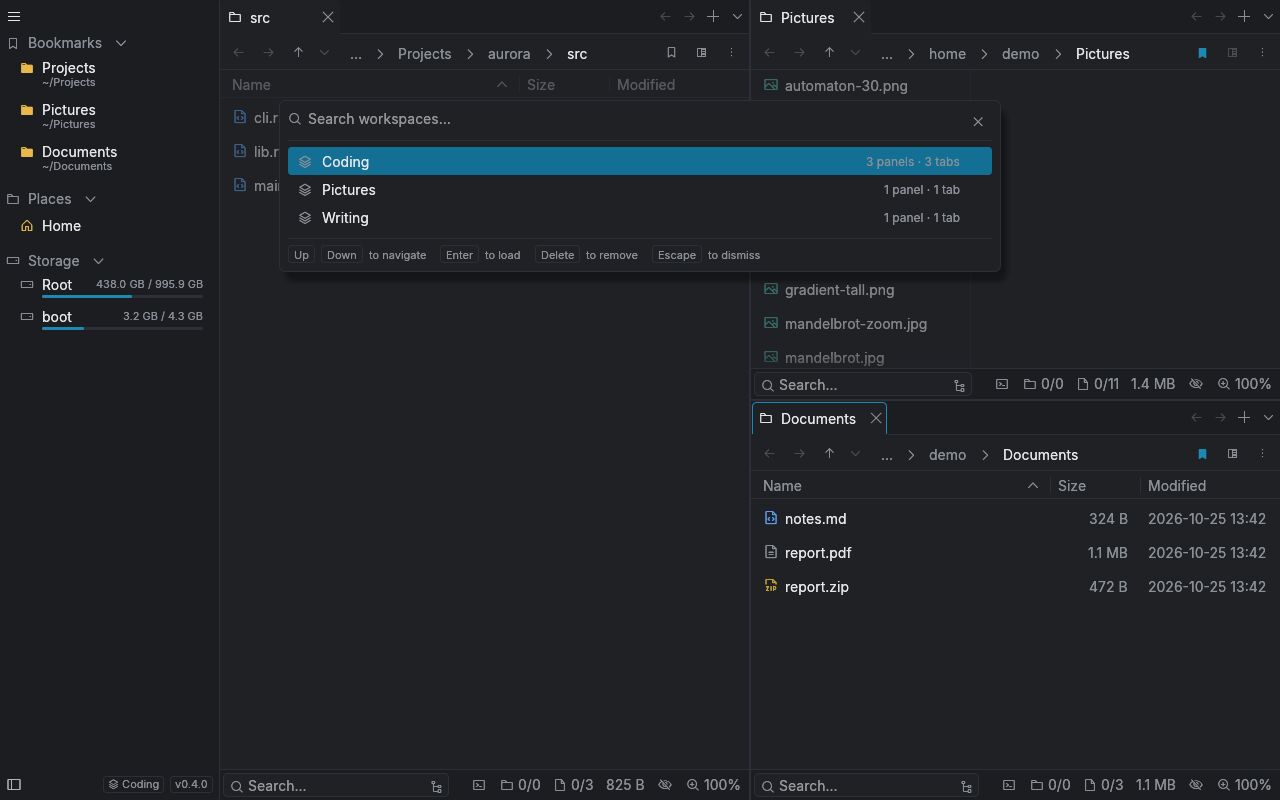
Save your panels and tabs under a name. Load them back in one click, or open one when the app starts.
There is no public build yet. It is coming for Linux and Windows.
Add the releases feed to your reader and you will see the first version when it lands.
Follow releases